

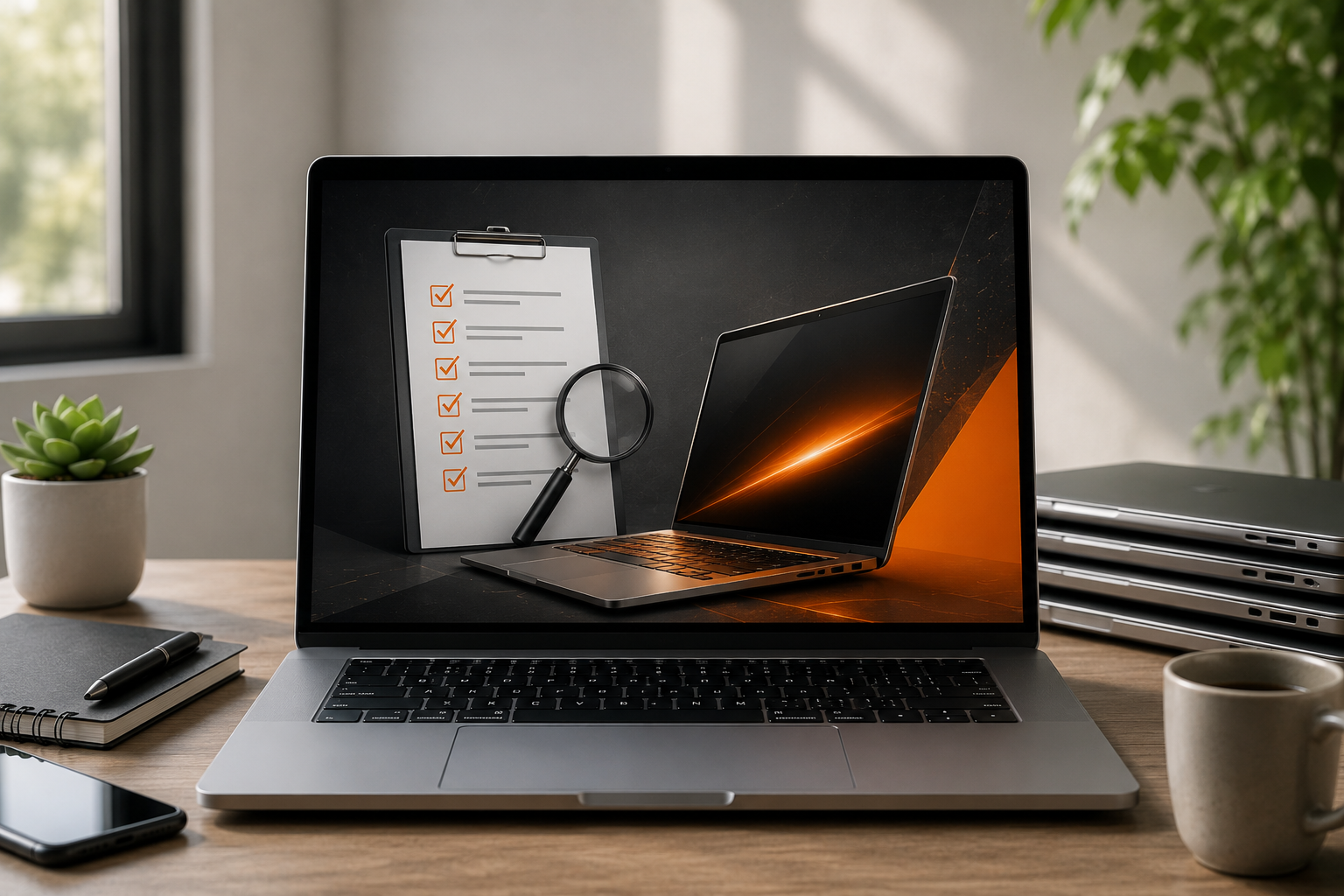
Buying a refurbished laptop is one of the smartest ways to get reliable performance without paying the premium price of a brand-new device. Whether you're a student, working professional, startup, or business owner, refurbished laptops offer excellent value when purchased from a trusted seller.
However, not all refurbished laptops are restored to the same standard. That's why it's important to know what to look for before making a purchase.
If you're planning to buy refurbished laptops, this simple 7-point checklist will help you make an informed decision.
1. Check the Warranty
A warranty is one of the strongest indicators that the seller stands behind the product.
Certified refurbishers often provide warranty options that protect you against manufacturing or hardware issues after purchase. While the duration may vary, having warranty support offers added peace of mind.
Always ask:
- How long is the warranty?
- What does it cover?
- Is service or replacement included?
A trusted refurbisher will always be transparent about these details.
2. Understand the Refurbishment Process
The word "refurbished" doesn't always mean the same thing.
Some sellers simply clean the laptop and resell it, while certified refurbishers follow a structured process that includes inspection, testing, repairs where necessary, software installation, and final quality checks.
Before you buy, ask questions such as:
- Was the laptop professionally tested?
- Were faulty components replaced?
- Was the operating system reinstalled?
- Has the laptop been cleaned and quality checked?
Knowing how the laptop was refurbished is just as important as knowing its specifications.
3. Inspect the Hardware Specifications
Don't buy based on price alone.
Choose specifications that match your usage.
Check the:
- Processor generation
- RAM capacity
- SSD storage
- Display size
- Battery condition
- Connectivity options
A refurbished laptop with a faster processor and SSD can often outperform a brand-new entry-level laptop.
Always compare specifications rather than assuming newer is better.
4. Check the Physical Condition
Refurbished laptops may have minor cosmetic wear, but that shouldn't affect performance.
Most professional sellers classify devices into cosmetic grades to help buyers understand the condition before purchasing.
Look for:
- Screen condition
- Keyboard wear
- Body scratches
- Hinges
- Ports
- Webcam
Minor cosmetic marks are normal, but damaged hardware should never be overlooked.
5. Verify Battery Health
Battery performance is one of the most overlooked aspects when buying a laptop.
A good refurbisher checks battery health during the refurbishment process and replaces batteries that fail to meet quality standards.
Before purchasing, ask:
- Has the battery been tested?
- Was it replaced if required?
- What battery backup can I expect?
This simple question can save you from future inconvenience.
6. Buy from a Trusted Refurbisher
Where you buy matters just as much as what you buy.
Choose a seller that offers:
- Transparent product information
- Warranty support
- Quality testing
- Genuine software
- Customer service
- Proper documentation
Avoid sellers who cannot explain their refurbishment process or provide basic product details.
If you're planning to buy refurbished in Hyderabad, visiting a trusted refurbisher or purchasing from an established provider gives you the added advantage of easier support and service.
7. Compare Value, Not Just Price
The cheapest laptop isn't always the best purchase.
Instead of focusing only on cost, compare:
- Specifications
- Warranty
- Build quality
- Seller reputation
- Support
- Overall condition
A slightly higher-priced refurbished laptop with better hardware and warranty can offer far greater long-term value than the cheapest available option. Think of your purchase as an investment rather than an expense.
Final Thoughts
Choosing the right refurbished laptop doesn't have to be complicated.
By following this simple checklist, you can confidently evaluate quality, performance, and reliability before making a decision.
Whether you're looking for a laptop for work, education, business, or everyday use, professionally refurbished devices provide an excellent balance of affordability and performance.
If you're planning to buy refurbished laptops, remember that the seller is just as important as the laptop itself. And if you're looking to buy refurbished in Hyderabad, choose a trusted refurbisher that follows a transparent quality process and provides dependable after-sales support.
A little research today can help you enjoy years of reliable performance tomorrow.
Frequently Asked Questions
1. What should I check before buying a refurbished laptop?
Check the warranty, hardware specifications, battery health, cosmetic condition, refurbishment process, seller reputation, and after-sales support before making your purchase.
2. Is it safe to buy refurbished laptops?
Yes. Buying from a certified refurbisher ensures the laptop has been professionally tested, repaired where necessary, cleaned, and quality checked before sale.
3. Why is battery health important?
The battery directly affects your day-to-day experience. Always ask whether it has been tested or replaced during the refurbishment process.
4. Are refurbished laptops suitable for business use?
Absolutely. Many refurbished laptops are enterprise-grade devices originally designed for professional workloads, making them ideal for businesses and startups.
5. Is buying refurbished in Hyderabad a good option?
Yes. Buying from a trusted refurbisher gives you easier access to support, warranty services, and the opportunity to inspect the laptop before purchasing.
6. Why should I buy refurbished laptops instead of used laptops?
Unlike used laptops sold as-is, refurbished laptops undergo professional inspection, testing, repairs where required, software installation, and quality checks, making them a far more reliable choice.

Share:
Sustainability: The Case You Were Not Expecting
Who Should Buy Refurbished Laptops in India?