


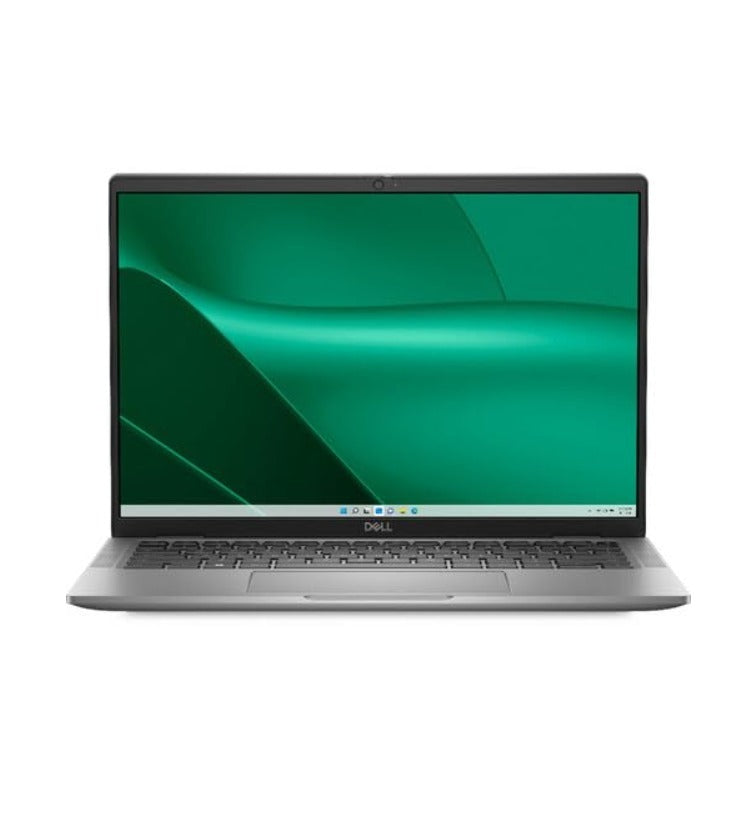
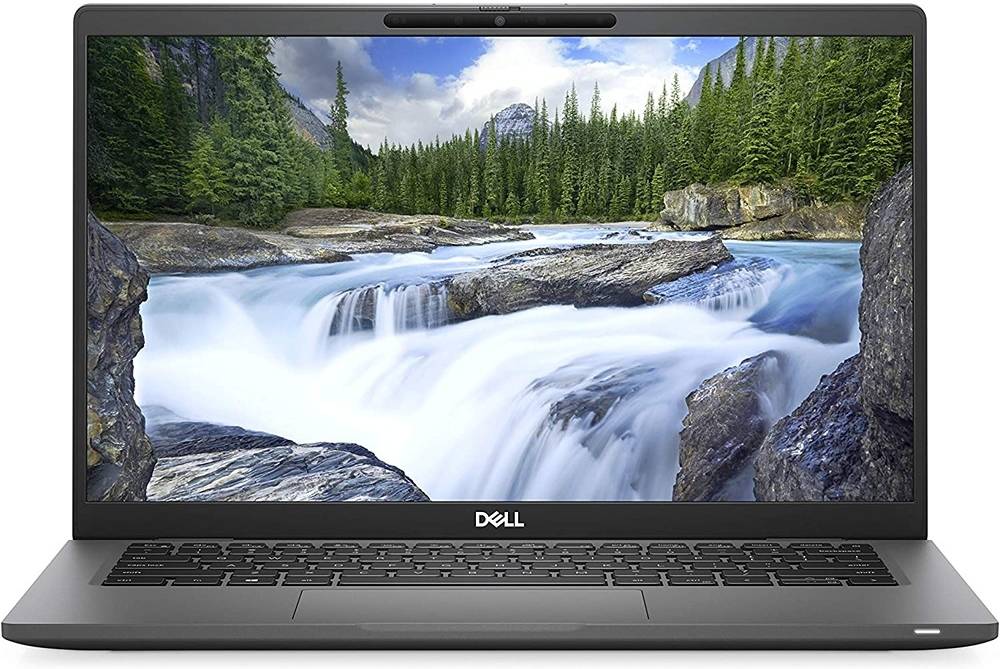
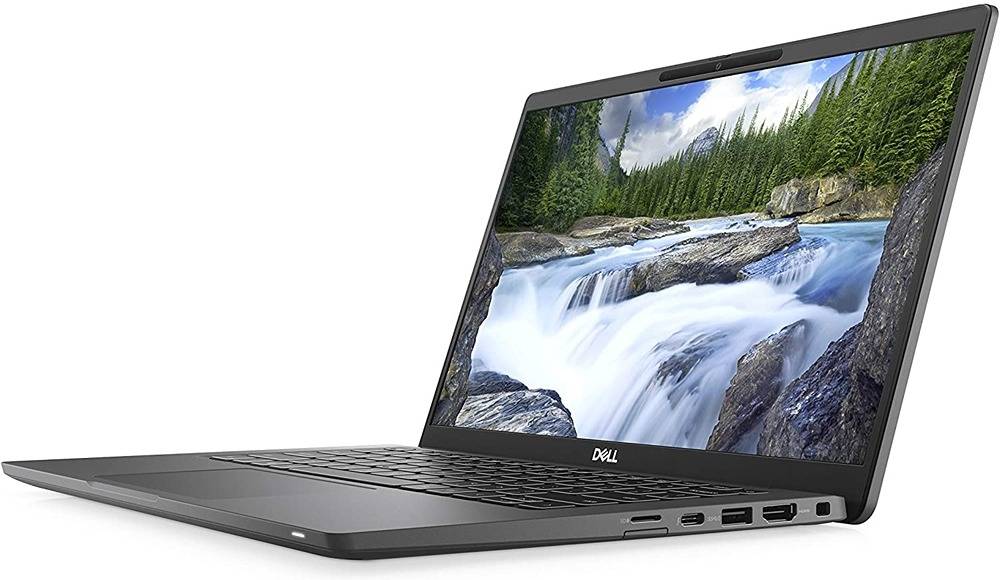
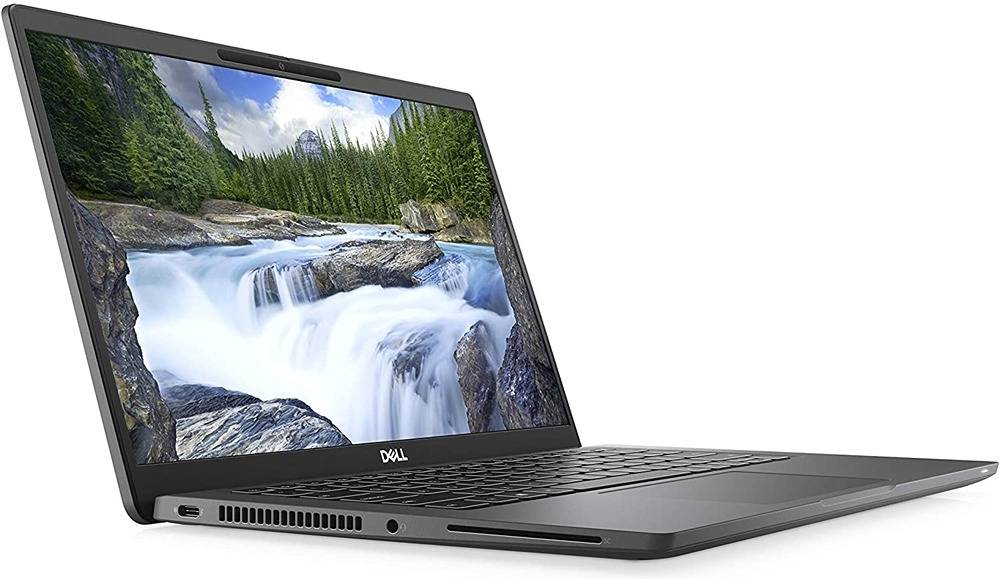
Dell Laptop Latitude 7420 Core I7 - 11th Gen · Win 11 Pro · 16GB RAM · Refurbished

14 inch Full HD display refurbished laptop for clear viewing

Lightweight refurbished laptop for easy portability

Long battery life refurbished laptop for extended usage

Intel Core i7 11th Gen processor refurbished laptop
On-demand devices – Multimedia
MacBook Pro is the most-requested device by creative professionals. Surface it prominently. MacBook A1990 already live on site at Rs. 54,149 — confirm stock status before making it in stock vs on demand.


Apple Laptop MacBook Pro A1990 Core I7 · macOS · 16GB RAM · Refurbished
WHAT IT IS → Refurbished Apple MacBook Pro A1990. 15.4" Retina display. Intel Core i7. 32 GB RAM. 1 TB PCIe SSD. Rad...


HP Laptop EliteBook Business Grade · On Demand · 8GB RAM · Refurbished
What it is HP EliteBook laptops — available on demand via Flypbox. The EliteBook is HP's enterprise-grade business ...
Certified Quality
Multi level tested & certified refurbished laptops.
Warranty Backed
Factory refurbished laptops with warranty & after-sales support.
Smart Savings
Best budget refurbished laptops suiting your price range.
Sustainable Choice
Certified refurbished laptops that promote a circular tech future.
Looking for something else? Let us know what suits you.
Need a specific GPU, a higher RAM config, or a macOS setup? Tell us exactly what your workflow needs.
The questions you actually want answered.
For creators, editors, and designers who need real horsepower.
If your work lives in Premiere Pro, Photoshop, DaVinci Resolve, or Figma, here is what you need to know.
Can a Flypbox Multimedia laptop handle video editing on Adobe Premiere Pro or DaVinci Resolve without lagging?
Video Editing Performance
Flypbox Multimedia laptops are specifically selected and configured for creative workloads. For video editing on Premiere Pro or DaVinci Resolve, the critical specs are processor generation, RAM (minimum 16GB for smooth timelines), a dedicated GPU where available, and an SSD for fast media read and write. Every Multimedia category listing on Flypbox clearly shows these specs so you can match the machine to your project requirements. Full HD editing runs smoothly on recommended configurations. For 4K editing or heavy effects work, the team can guide you to the right unit. Do not buy a Multimedia laptop without checking the GPU specification first, and Flypbox makes sure that information is visible upfront.
Is a re-engineered laptop good enough for professional graphic design work in Photoshop, Illustrator, or Figma?
Design and Creative Work
For graphic design, what matters most is display quality, RAM, and processor speed, not whether the laptop is new or re-engineered. A re-engineered ThinkPad or EliteBook with a high-quality IPS display, 16GB RAM, and a current-gen Intel Core i7 will outperform a new budget laptop on every metric that matters to a designer. Flypbox Multimedia laptops go through display calibration checks to ensure colour accuracy meets professional standards. Figma is browser-based and runs smoothly on any well-spec'd machine. Photoshop and Illustrator perform well with adequate RAM and a fast SSD. The brand of the laptop matters less than the internals, and Flypbox gives you access to premium internals at non-premium pricing.
What is the best affordable laptop for video editing and content creation starting at 29999 rupees in India?
Best Value for Creators
Under Rs. 40,000, the new laptop market offers very little for serious content creation. Most options in that range come with integrated graphics, mediocre displays, and limited RAM. Flypbox Multimedia starts at Rs. 29,999 and addresses this gap directly. Re-engineered laptops from enterprise or workstation-class brands at this price point give you dedicated graphics, better display panels, and significantly more RAM than anything new at the same price. For freelance video editors, YouTube creators, social media content producers, and early-career designers, this is the category that makes professional-grade hardware actually accessible. The re-engineering model exists precisely to fix this market problem.
Does a Flypbox Multimedia laptop support external monitors, drawing tablets, and other peripherals for a full creative setup?
Peripheral Compatibility
Yes. Flypbox Multimedia laptops support HDMI or DisplayPort output for external monitors, USB-A and USB-C ports for drawing tablets like Wacom or Huion, and standard connectivity for audio interfaces, SD card readers, and other creative peripherals. The enterprise-origin hardware means port selection is often better than comparable consumer laptops. Each product listing specifies the exact port configuration so you can verify compatibility with your existing setup before purchasing. If you are building a full creative workstation around a Flypbox laptop, the team can confirm compatibility for your specific peripheral list.